
Your money, minus the change.
The Wallet is built into the DeyGo (passengers) and DeyGo Pro (drivers) apps. It handles every transaction, whether you are a passenger, a driver or a merchant. It started from a simple fact: coins are scarce in Cameroon, so we made them unnecessary.
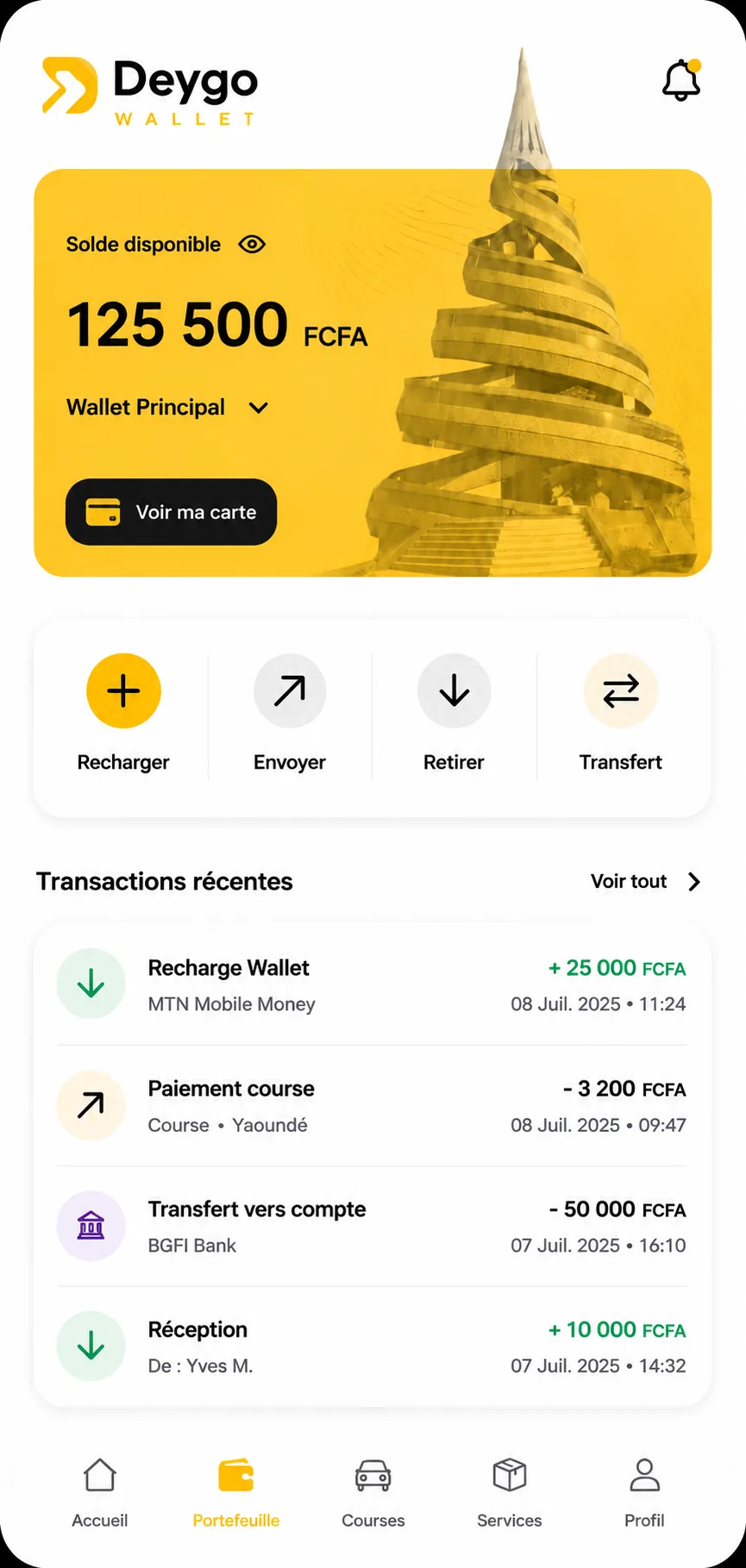
Everything you can do with the Wallet
Top up
Add money to your Wallet with Mobile Money in seconds.
Send
Send money to a loved one or another DeyGo user.
Withdraw
Get your money back whenever you need it.
Transfer
Move your balance to your bank account.
One Wallet, three uses
Passengers
Pay for rides, deliveries and Marketplace purchases without hunting for change.
Drivers
Receive the fare as soon as the passenger confirms the payment, then withdraw or transfer.
Merchants
Collect your sales automatically on delivery, with no cash to handle.
Frequently asked questions
How do I top up my Wallet?
In the app, tap “Top up” and follow the steps with your Mobile Money account.
When does the driver receive the fare?
At the end of the ride, the passenger gets a notification to confirm the payment. As soon as they confirm, the money is transferred to the driver.
Can I pay for a ride in cash?
Yes. For a regular ride, you pay the driver directly in cash at the end of the trip. Only Airport Express is paid in advance, in the app.
What about a Marketplace purchase?
Your payment is held securely, then released to the merchant automatically on delivery. If the order is cancelled, you are refunded immediately to your Wallet.
Who holds the Wallet money?
Wallet money is handled by our payment provider, pawaPay.
Your city is waiting.
Download DeyGo and take your first ride today.